Best SSD for Gaming 2026
SSD prices have absolutely exploded since late last year. So, what can you do if you’re looking to buying the best SSD for gaming in 2026? Now, SSDs are the number one thing that gamers overspend on. And in 2026, that mistake is massive. We’re going to cover the most important information you need to get the best SSD for gaming in 2026, including SSD speeds, DRAM versus DRAMless SSDs, how much SSD space for gaming do you need, and what’s the best value SSDs in 2026. and will make specific product recommendations for every budget level.
2026 SSD Prices
All right, first let’s start off with SSD pricing. We are in a massive shortage of RAM and SSDs due to insane AI data center expansion. In 2026, the cheapest DRAMless 1 TB MVME SSD, it’s about $150 in the US. With DRAM cache equipped 1 TB NVME SSDs, starting around $210. Now, there’s a slight discount if purchasing larger quantities.
1TB vs 2TB vs 4TB SSD Prices
For instance, this Silicon Power UD90 DRMless NVME SSD is $164 for 1 TB, but $278 for two terabytes. That’s $50 cheaper than buying two 1 TB drives. The 4 TB model is $489, which is $67 cheaper than buying two separate two TBTE drives and $167 cheaper than buying four 1 TBTE drives. So, while we don’t want to buy more storage than we need right now, if you need more than one TB, you should buy a single high-capacity drive rather than multiple one TBTE drives.
Will SSD Prices Get Better?
But when are SSD prices actually going to come down? Maybe you should just wait to get your storage. While the prices that we saw between 2023 and 2025 were historically low, and that was due to overp production during the work from home boom, it doesn’t seem like those lower prices are realistically coming back anytime soon. Now, I do personally believe we are in a massive AI bubble, and when it crashes, hardware prices like SSDs and RAM are going to come down, but it seems unlikely to happen until early 2027 at the earliest. And even then, it might only get to around $100 per terabyte, which is not a lot to save, especially if you need the storage right now. So, my advice, get what you need right now, but only get what you actually need right now and leave additional storage for a future upgrade when pricing is better.
How Much SSD Storage in 2026?
So, how much SSD storage do you actually need in 2026? Well, if this drive is going to be your PC’s main boot drive, Microsoft recommends 64 GB of storage for a Windows operating system installation, though it typically only uses about 40 GB. If we factor in applications like Chrome, Steam, and other popular apps that you’re going to see on a gaming PC, that’s about another 20 gigabyt of storage. Now, larger AAA games can use up to 150 GB of storage with other games using possibly quite a bit less. And we always want to keep at least 15% of the SSD empty at any given time because it slows down as the drive fills up. With all that and current pricing, I would recommend at least a 512 GB SSD as a minimum for a more budget gaming PC. A 1 TB SSD is the minimum for mid-range and higher-end gaming PCs. Right now, 512 GB SSDs are right around the $100 or so price mark. So, you actually don’t save that much by going down to 512 gigs, and going up to 1 TB is a much better deal.
NVME vs Sata vs HDD in 2026
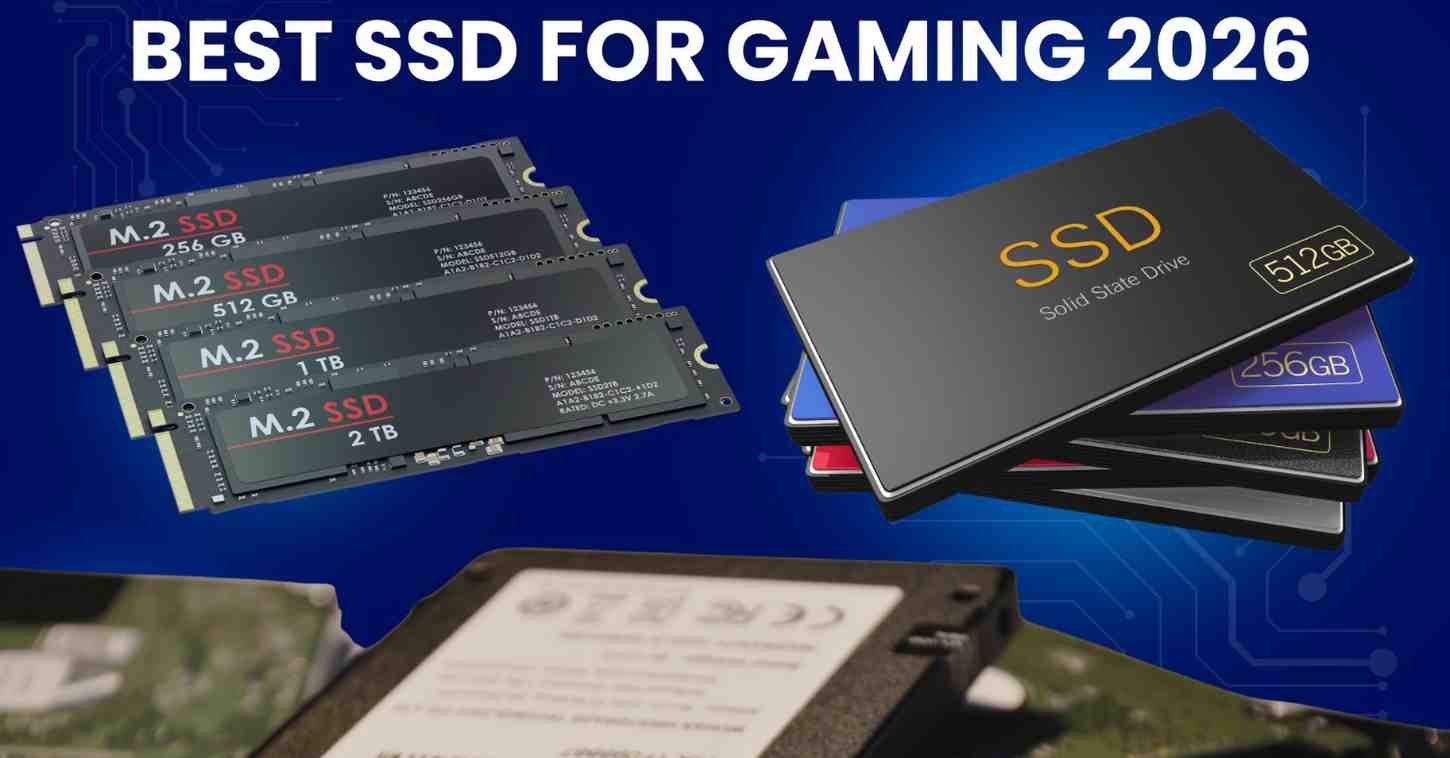
what kind of drive should you get? An NVME SSD, a SATA SSD, or even a SATA hard drive? Well, hard drives, they’re just not fast enough for gaming anymore. So, I’d only consider them for bulk storage of files that you don’t access very often. Most gamers want an NVME SSD that plugs into one of the M.2 sockets on your motherboard. In most markets, there’s very little price difference between these and SATA SSDs. They’re much faster for non-gaming tasks, and you never have to worry about your SATA cable failing on you. If you’re in a market where there’s a significant price gap between SATA SSDs and NVME SSDs, then of course, a SATA SSD will likely be just fine, though, they can vary quite a bit in quality. Obviously, PS5 owners must get an NVME SSD, and Xbox Series X and S owners are going to need a specific expansion card
SSD Speeds in 2026
what kind of NVME SSD do we need? M.2 NVMEs use the PCIe interface, and the speeds are broken down into generations. The most common are PCIe Gen 3 and Gen 4 SSDs. For a comparison, a PCIe Gen 3 SSD is up to six times faster than a SATA SSD. PCIe Gen 4 NVME SSDs. They’re theoretically twice as fast as a PCIe Gen 3 one. And the current fastest drives are PCIe Gen 5, which are twice as fast as PCIe Gen 4 drives. PCIe drives are backwards compatible. So, a PCIe Gen 3 drive would work in a Gen 5 motherboard slot. And a PCIe Gen 5 drive would work in a PCIe Gen 3 motherboard slot. But in each case, they’re only going to run as fast as the lowest rated speed.
PCIE Gen 5 vs 4 vs 3
PCIe Gen 3. So, should you get a PCIe Gen 3, Gen 4, or Gen 5 NVME SSD? Well, PCIe Gen 5 NVME SSDs tend to run very hot, often requiring a heat sink, and they tend to be much more expensive than Gen 3 and Gen 4 NVME SSDs. Even a SATA SSD will offer maximum FPS in games. And the difference in loading times between a SATA SSD and even a PCIe Gen 5 NVME SSD is at best a couple of seconds. So, my advice here, get the cheapest of Gen 3 or Gen 4 NVME SSDs and don’t waste money on a Gen 5 NVME SSD unless you find a really insane deal.
SSD Cache – DRAM vs HMB vs SLC
Do you need an SSD with a DRAM cache or not? Well, to speed up writing to the SSD, drives use a cache system that temporarily stores files on a limited size but faster memory. Those files are then transferred from the fast memory to a slower long-term memory cell. Now, caching speeds up the writing process as long as the file size does not exceed the size of the cache. In 2026, there are three types of cache. An HMB or host memory buffer process that borrows a small portion of your PC’s RAM. A single level cell or SLC cache that uses faster SSD cells and a DRAM cache, which is the fastest using onboard RAM built directly into the SSD. Now, cache only affects right speeds, not game loading or reading speeds. Most gamers are going to find modern SLC or HMB drives perfectly sufficient. If you do professional workloads involving heavy file transfers, a DRAM cache SSD will be beneficial, but it’s also going to be more expensive.
SSD Heat Sink Needed?
Do you need a metal heat sink on your NVME SSD? Many NVME SSDs now have two versions. One with a built-in metal heatsink and one without. So, which one should you get? For PS5, because it’s cramped environment without much air flow, Sony recommends you use an NVME SSD with a built-in heat sink. For PC gaming, I generally recommend you do not buy an NVME SSD with a built-in heat sink. First, most of the affordable Gen 3 and Gen 4 NVME SSDs that I recommend don’t get hot enough to really require one in the roomier environment of a PC. Second, many motherboards come with their own built-in heat sinks. Some of them may not fit an SSD with a built-in heat sink of its own. And third, manufacturers can claim if you remove the built-in heat sink on the SSD that it voids the warranty. Note that some drives like the Team Group Card A440 come with a removable heat sink. Now, if you’re wondering if you should remove the sticker itself on the drive, the answer is no. It’s usually made out of a special material to help distribute heat from the hotter controller chip to the nan storage chips that need to be at least warm to operate at peak capacity.
Best Gaming SSD Recommendations
Best SATA SSD 2025
Let’s start off with the best SATA SSDs that you can buy in 2026 if for some reason you don’t have any more M.2 slots. So, I’ll give you a solution to that as well. I wouldn’t go with necessarily the ultra cheap drives, but I would probably pick up something like the Team Group CX2. It’s been around for quite a while. It’s a pretty decent performer for a SATA SSD, although it does cost in the US about as much as an NVME SSD.
NVME SSD Add In Card
Now, if you do need to add an additional M.2 NVME SSD and you have empty PCIe slots on your motherboard, the good news is you can buy an expansion card like this. However, I recommend you get one that’s at least by four. It’s going to use four PCIe lanes. That’s typically what the SSD wants. If you get a buy two or even a buy one, it’s going to have a less bandwidth to it.
Best Budget SSDs for Gaming in 2026
Let’s take a look at the best budget NVMe SSDs for gaming in 2026. Honestly, I would recommend buying the cheapest SSD that has at least some reviews and looks good. We’re looking for something that has SLC cache or a host memory buffer process. We’re not going to find anything with DRAM at this price point right now. And the drives sometimes cost $135, but we’re mostly seeing $140 to $160. That’s pretty much the average price right now.
Patriot P400
Patriot has a number of different drives. They’re all named about the same thing. They all perform roughly the same. This is the P400 Light. There’s also the P400. That’s without the light. The light just indicates that it has a slightly different components to it. It’s slightly worse in terms of its performance, but again, would you notice this as a regular user and gamer? Probably not. For right now, for $142, you can pick up this one. Or for $160, you can get the Patriot P400 V4. Again, slightly better advertised performance on this. Are you actually going to see that level of performance? It’s hard to say. I’d probably just pick up the cheaper one.
Budget NVME SSD Pick
There’s a number of other drives out there that are pretty good values and have been for a little while. The PNYCS 2230. Now, this is PCIe Gen 3. People say, “Oh, I want at least a Gen 4 drive.” Honestly, you will probably never see the difference on these things. I would just pick up any of these things that you can. That saves you a little bit of money unless you’re a professional and you need a DRAM cache. That’s kind of the next step up honestly is to go to about a $200 per drive. Otherwise, something like this is absolutely fine.
SP A60
Some other good options. This is Silicon Power A60. It’s a drive I recommended for a long time. It’s PCIe Gen 3, $158. Now, these had been stupid overpriced. They are starting to come down a little bit. Also, the Silicon Power UD90, which right now at its current price, I wouldn’t recommend. It’s PCIe Gen 4, but again, if that drive kind of comes back down to sanity, I’d also recommend it.
Budget SSD Alternative
And then we have a relatively new company to the US market, though they’ve been trying to break in for a while. This is Fenang. They’re a Chinese offshoot. Now, they actually manufacture a lot of the components themselves. So, this is their brand of SSDs that they’re also selling. One thing I’m noticing is that some of their SSDs are a little bit lower priced. I’m not seeing a ton of reviews on all their products, but the S8A pretty decent drive with an SLC cache. Again, not DRAM to it. $160. And especially in those tougher markets, this might be an option.
(DRAM) Best SSD for Gaming 2026
Let’s jump to the best SSD for gaming with DRAM cache. So, these are NVMe SSDs with DRAM cache. And we’re going to look at anything PCIG gen 3, Gen 4, or Gen 5. Doesn’t really matter on this. We will look at some Gen 5 drives that specifically have a DRM cache that are high performance in just a moment. One I want to highlight here,
Insane Deal?
we’re going to start with this might be a Mirage here. So, we got the Fan Jang S900. Now, it says 159 on their website. They list 259. I almost think this might be a mistake. So, we’re not going to spend a lot of time with it. Check it down in the video description because it does have 2 gigabytes of cash to it, which is a lot of cash uh to have on an SSD. That’s only one tab. Typically, they’re 2 terabytes before you get to two gigabytes of cache on them. This looks like a really good performer with a removable heat sink. If it is $159, I would probably snap it up, though they’re not a lot of reviews on it.
Patriot VP4300
Moving on to drives that may actually exist here. Let’s start off with the Patriot Viper VP 4300. This is a pretty good performer. Again, it’s got a DRAM crash on it. It’s about $200. I’m finding at Newegg. I did find some at Amazon as well. And this one also comes with a removable heat sink as well. And you’ve also got the graphine sticker from Gigabyte.
Aorus Gn4 7300
We got the Aoris Gen 4 7300. This is another good performance Gen 4 NVME SSD with a DRAM cache on it. Doesn’t have the removable heat sink that you get with some of the other ones. So, if you’re looking for like PS5 Pro or something like that, then you might want to move on to a different drive. But this is a great drive for pretty much any motherboard that has its own heat sink to it at $29.
Teamgroup G70 Pro
Of course, we also have the Team Group TF Force G70 Pro Graphine. While the G50 has become insanely overpriced in my opinion, the G70 Pro with DRAM is actually a pretty good deal at $197 right now, there are two different versions of this. One comes with this with a graphine sticker, and there’s also the aluminum version, which has a built-in heat sink. Built-in heat sinks are fine for PCs as long as you’re not going to have to like take off a whole plate or something in order to get it on there like you do on some of the Gigabyte motherboards.
Cardea A440
And then we’ve got another standout from Team Group. This is the TF Force Carda A440. I had thought that they had discontinued this drive, but I’m still finding it right now. $229. Obviously, it’s a little bit more expensive. It doesn’t perform that much better than the G70, for instance. It’s kind of almost the same performance. It does have a removable heat sink on this one though, right here, or you can go with a graphine sticker if you have your own heat sink.
Predator GM7000 2TB
And just want to point out, you can find some of those two TBTE drives that are quote unquote cheap or at least cheaper. So, for instance, this is the Predator GM7000. I can’t really find the 1 TB version of this drive any longer, but it’s a pretty good performer with DRAM. $349 for the two TBTE version. So, if you look at that, it’s $175 per terabyte, which would make it one of the cheapest drives per terabyte on this list.
Best Gen 5 DRAM NVME SSDs
Let’s jump in the best NVME SSDs that are Gen 5 and have a DRAM cache to them. So, this is the ultimate tier of performance, basically. But look how much you’re spending for these. So, make sure you actually need this. You’re a high-end professional level video editor. You’re getting tons of file rights. You absolutely need this kind of speed out there because the Western
WD Black SN8100
Digital Black SN8100 is probably the best price to performance one right now and it’s $270 at the time of filming for one terabyte. Now, the pricing does get a little bit better as you go up in quantity here, but $269 for one TB is quite expensive when you figure you could probably have at least two drives of the budget ones. Of course,
Samsung 9100 Pro
the next one is the Samsung 9100 Pro. This is one of the top performers. It’s PCIe Gen 5 NVME SSD. We used it in a recent build guide because AMD sent it to us. They already had the full Windows image loaded on it, but PCIe Gen 5×4. It’s got a good DRAM cache to it, but $317 for 1 TB is pretty steep.
Best SSD DEALS 2026
Remember, everything is linked down in the video description. Check out those links for current pricing and availability in your region. If you got value out of this video, please give a like. Makes a huge difference to the channel. And of course, subscribe for more cool PC content. I will catch you on the next