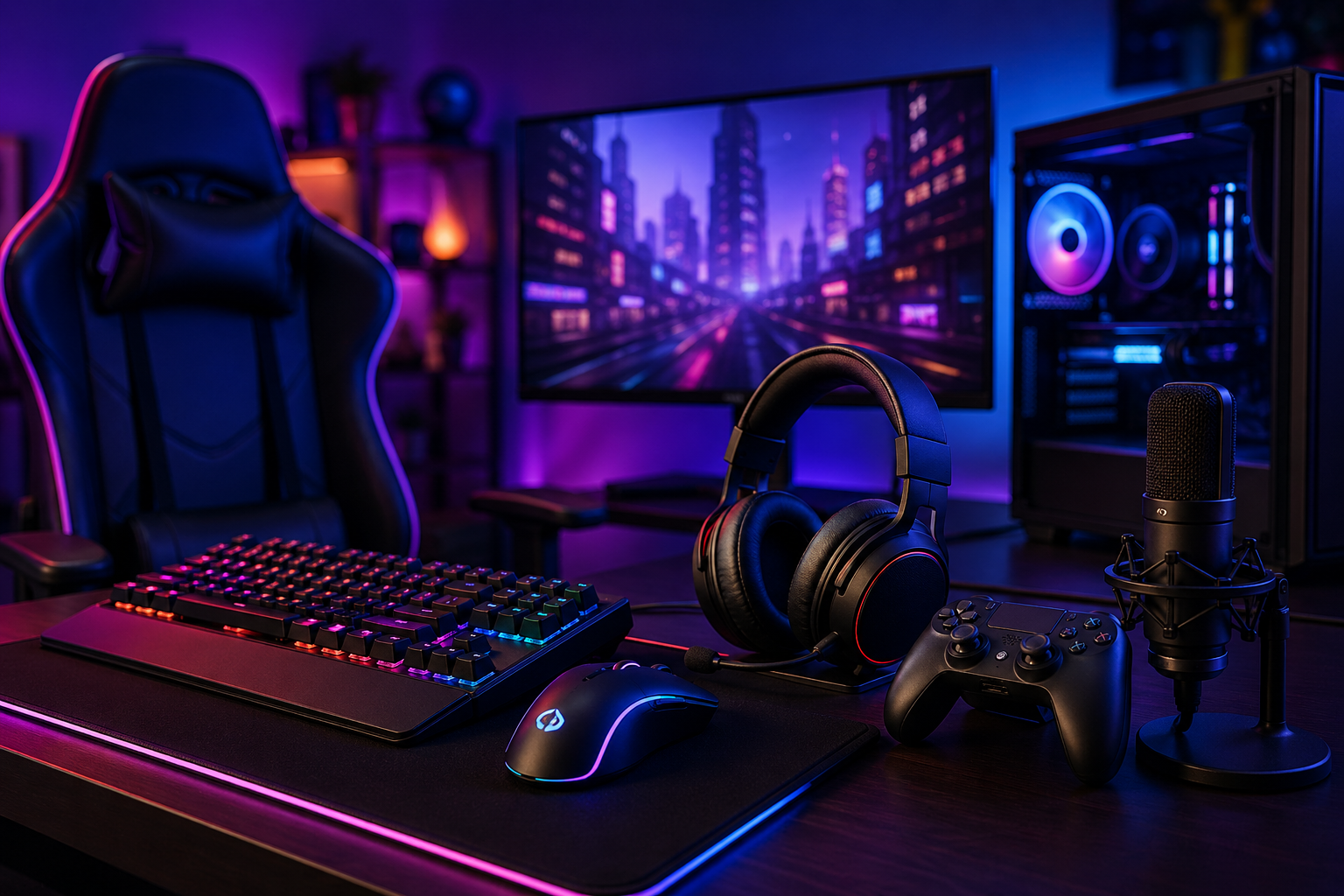
I spend a lot of time testing gaming setups, reading reviews, and figuring out what actually makes a real difference in performance. And one thing has become very clear: the right gear can completely change your experience.
Gaming performance isn’t just about skill. Your setup plays a huge role in how fast you react, how comfortable you feel, and how long you can stay focused without fatigue. The right tools don’t just improve your gameplay they make every session smoother, sharper, and more enjoyable.
In this guide, I’ll break down what truly matters when choosing gaming gear that actually improves your performance.
Here’s what you’ll learn:
What gaming gear really includes (beyond just the basics)
The most important devices that impact performance
How each piece of gear affects your gameplay
What to choose based on your budget
Common mistakes gamers often make
How to build a smart, step-by-step upgrade path
No fluff. No hype. Just clear, practical advice you can actually use.
What I Mean by Gaming Gear
When I say gaming gear, I am not only talking about flashy RGB lights or expensive setups that look good in photos.
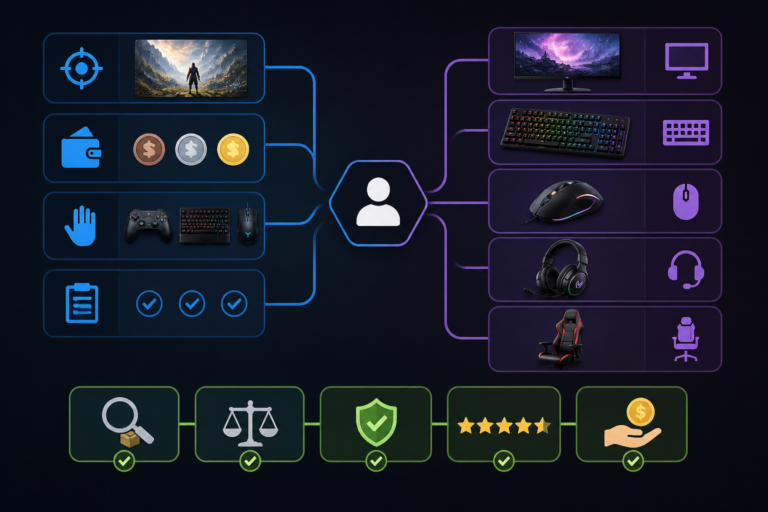
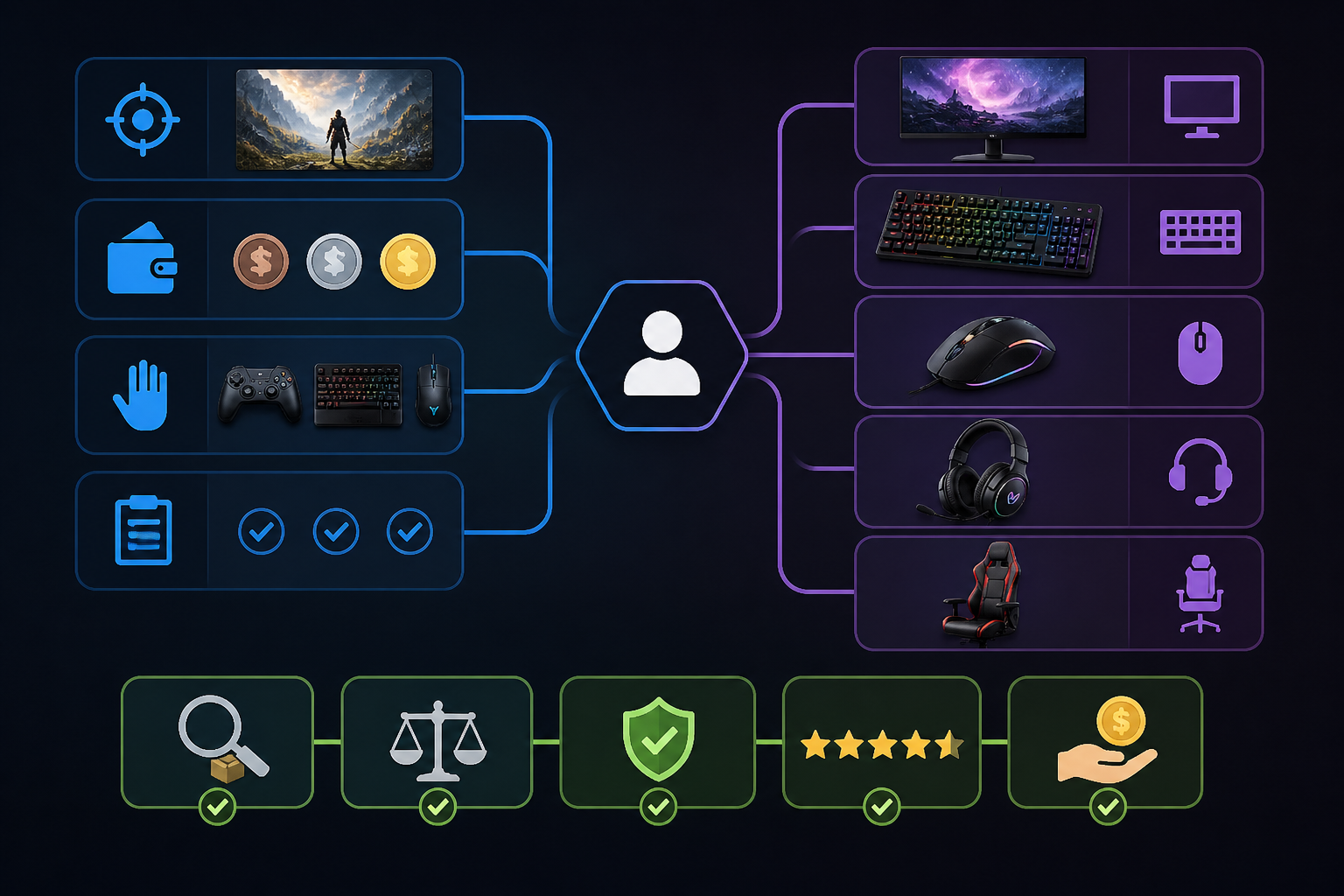
I mean everything that directly affects your gaming performance and comfort, such as:
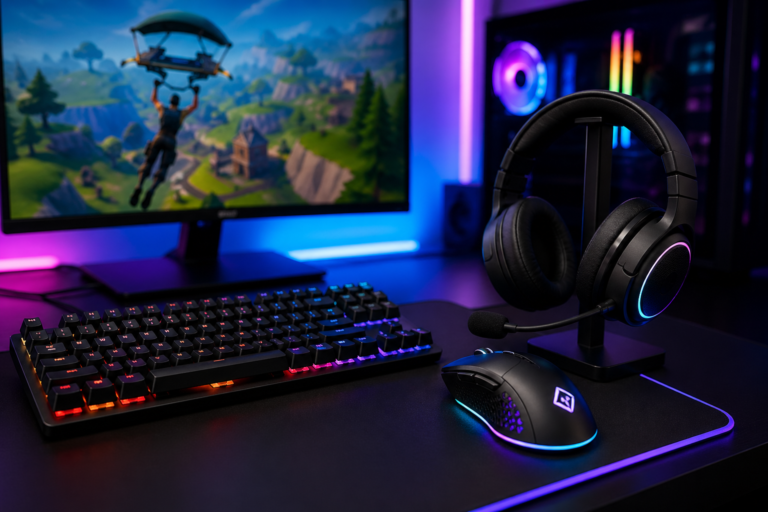
Mouse and keyboard
Headset and audio tools
Monitor quality
Chair and physical comfort
Internal PC performance parts
Controller and accessories
Each of these plays a role. Some improve speed. Some improve accuracy. Some simply stop your back from complaining after a long session.
And yes, your back has opinions.
Why Your Setup Matters More Than You Think
I have seen players with average skills outperform better players simply because their setup gave them faster response times and better focus.
Here is the simple truth:
Slow screen = delayed reaction
Poor mouse = inconsistent aim
Bad chair = fatigue faster than your opponent
Weak audio = missed in-game cues
Small disadvantages stack up quickly. That is where proper upgrades make a real difference.
A bad chair does not show immediate problems, but after long sessions:
Back pain increases
Focus drops
Reaction slows without you noticing
A proper chair supports posture and keeps your energy stable during long gaming hours.
Think of it as long-term performance insurance.
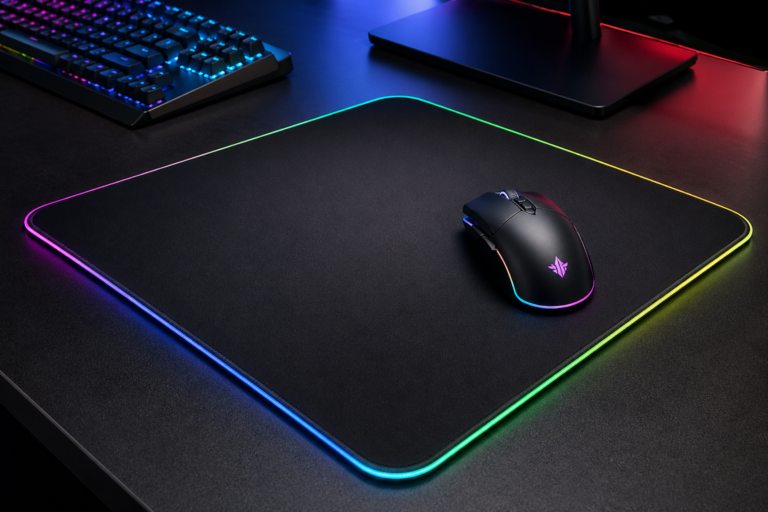
Mousepad: The Forgotten Hero
Most people underestimate this.
A good mousepad improves:
Tracking consistency
Movement smoothness
Overall control
Small detail, big impact.
If your aim feels “slippery” or inconsistent, this might be the reason.
PC Hardware: The Engine Behind Everything
I also looked at a detailed breakdown from a trusted hardware guide on PC Gamer that compares top-tier setups and components in real-world use. You can explore it here:PC gaming gear recommendations.
Now let’s keep it simple.
Key components:
GPU (Graphics Card) This handles visuals and determines how smooth your game looks.
CPU (Processor) Controls game logic and overall speed.
RAM Helps with multitasking and smooth performance.
SSD Storage Reduces loading time dramatically.
If your game stutters, it is usually one of these four causing it.
Controller vs Keyboard and Mouse
Some players prefer controllers, especially for racing or console-style games.
Controllers offer:
Smooth analog movement
Comfortable grip
Better vibration feedback
Keyboard and mouse offer:
Faster aiming
More precision
Competitive advantage in FPS games
I personally switch depending on the game. There is no “wrong” choice—only what fits your style.
Budget vs High-End Setup
I always divide setups into three levels:
Budget Setup
Basic mouse and keyboard
Standard monitor
Entry-level headset
Good for casual gaming.
Mid-Level Setup
Mechanical keyboard
144Hz monitor
Better GPU and CPU balance
Best value for most gamers.
High-End Setup
240Hz+ monitor
Premium peripherals
High-performance PC components
This is for competitive or serious gamers.
Common Mistakes I Notice
I see these mistakes often:
Spending too much on looks instead of performance
Ignoring monitor refresh rate
Buying expensive gear without checking comfort
Upgrading everything at once instead of step-by-step
Smart upgrades always beat expensive chaos.
How I Recommend Upgrading Your Setup
If you are starting from basic setup, I suggest this order:
Mouse
Keyboard
Monitor
Headset
PC components
Chair and accessories
This order gives the fastest performance improvement for your money.
Light Reality Check (With a Smile)
A better setup will not turn someone into a pro overnight.
But it will:
Reduce your mistakes
Improve your reaction time
Make gaming feel smoother and more enjoyable
Skill still matters. But good tools remove unnecessary limits.
FAQ
What is the most important gaming gear?
I would say the mouse and monitor. They directly affect reaction and control.
Do expensive setups guarantee better performance?
No. Smart choices matter more than price.
Is 144Hz really necessary?
If you play competitive games, yes. The difference is noticeable.
Can I build a good setup on a budget?
Yes. Focus on priority upgrades instead of buying everything at once.
What matters more: PC or accessories?
Both matter, but accessories often improve comfort and control faster.
Final Thoughts
I believe a good gaming setup should feel natural, responsive, and comfortable.
You do not need the most expensive equipment. You need the right balance of performance and comfort based on how you play.
If you upgrade wisely, your experience improves without unnecessary spending.
And honestly, your future self (and your win rate) will thank you.