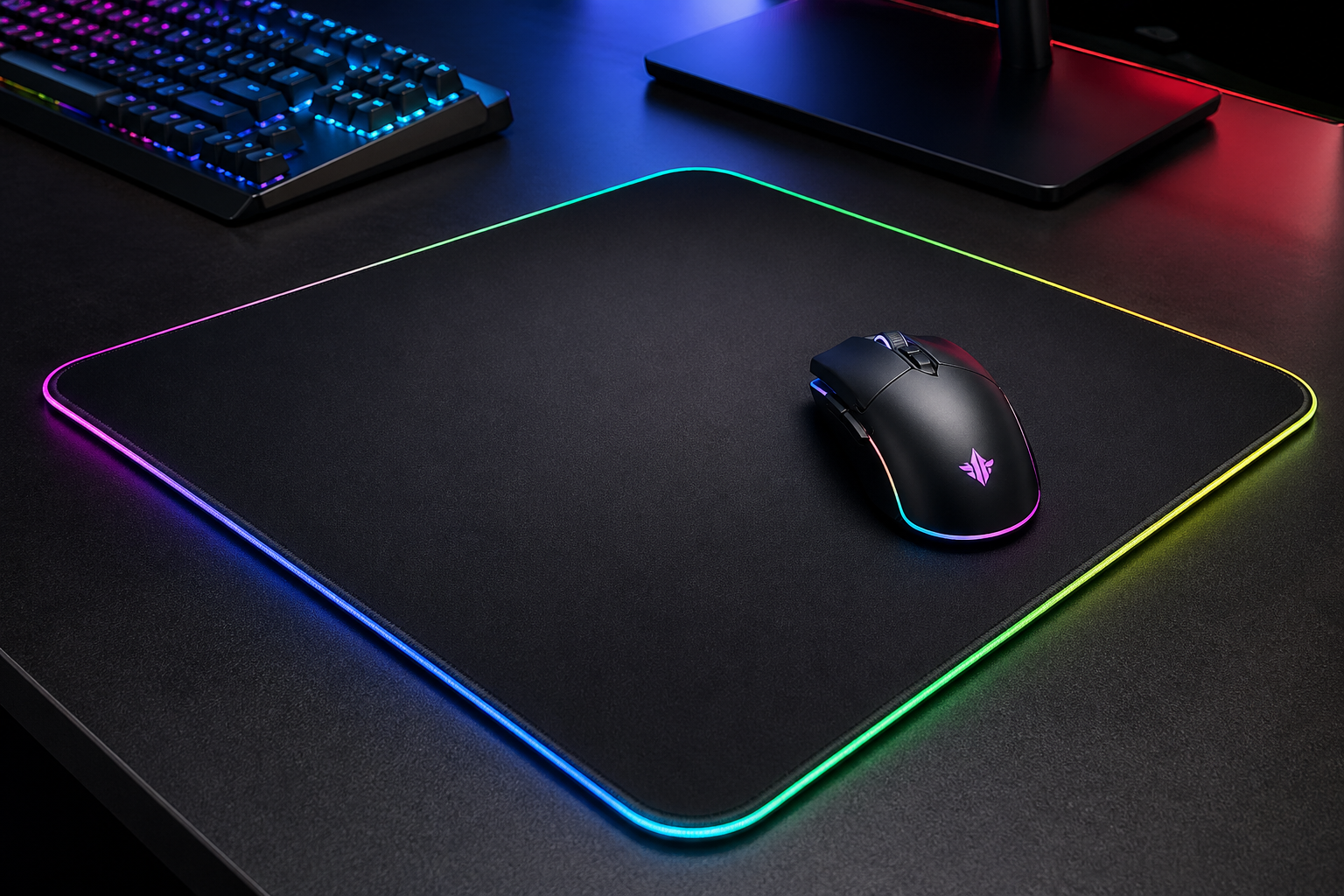
I still remember my first gaming setup. I thought I had everything right. A good-looking mouse, a keyboard with bright lights, and a headset that felt “premium” the moment I opened the box.
But after a few days, reality hit.
My aim felt inconsistent. My hand started getting tired faster than expected. The sound was loud, but not clear. And I kept asking myself a simple question—why does this feel harder than it should?
That moment changed how I look at gaming gear.
Over the years, I’ve tested many entry-level setups, and I keep seeing the same pattern. Most beginners choose gear based on looks, brand hype, or what a streamer is using. It feels like the right decision at first. Then a few weeks later, something feels off again.
That’s exactly why I created this how to choose first gaming gear guide.
I’m not here to talk about flashy features or marketing promises. I focus on what actually works in real gameplay. What feels right after long hours. What helps you stay consistent.
Because in 2026, gaming is more precise than ever. Small differences in your setup can change how you perform. But that doesn’t mean you need expensive gear.
You just need the right approach
What You’ll Learn in This Guide
Before I move into the details, I want to give you a clear idea of what you’ll actually gain from this guide.
I’m not here to overload you with technical terms. I focus on what truly makes a difference when you’re choosing your first setup.
Here’s exactly what I will walk you through:
How I decide which gaming gear actually matters first, and why starting in the right order saves both money and frustration
The real difference between good gear and “just expensive” gear, so you don’t fall for branding or marketing tricks
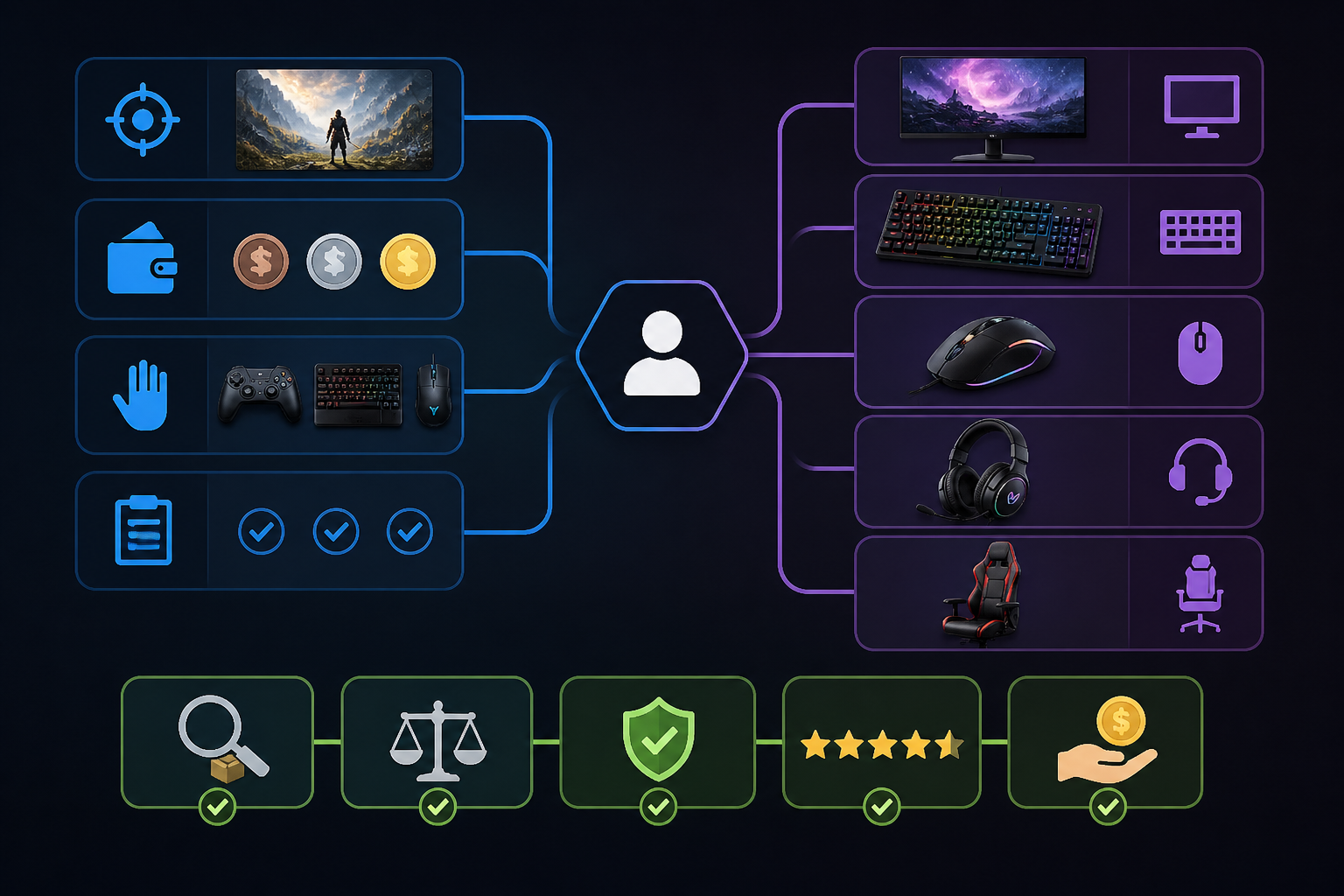
A simple and practical gaming gear checklist for your first setup, so you don’t waste time on unnecessary items
How I build a budget gaming setup for beginners that still performs well in real gameplay
The most common mistakes I see beginners repeat, and how I avoid them in my own setup
My step-by-step approach to choosing a mouse, keyboard, and headset based on comfort and performance
How I match gaming gear with different types of games like FPS, MOBA, and casual titles
What I personally prioritize when I test new gear, and how you can apply the same thinking
How I plan upgrades over time instead of spending everything at once
Small adjustments that improve comfort and consistency but are often ignored
If you stay with me through this guide, you won’t just know what to buy you’ll understand how to make the right decision for yourself.
How I Think About First Gaming Gear
I don’t start with brands. I start with performance and comfort.
If something looks amazing but feels wrong after 30 minutes, I don’t use it. Simple.
For beginners, I always focus on three things:
Response (how fast it reacts)
Comfort (how long I can use it)
Consistency (same performance every time)
Everything else comes later.
RGB lights look great, but they won’t improve your aim. If they did, everyone with rainbow keyboards would be pro players by now.
Understanding What You Actually Need
Before I buy anything, I ask one simple question:
What type of games am I playing most?
This changes everything.
FPS games → I focus on precision and fast response
MOBA games → I care more about comfort and key access
RPG or casual → I prioritize long-session comfort
Most beginners skip this step. They copy setups without thinking about their own usage.
That’s why any beginner gaming gear selection guide should always start with playstyle, not products.
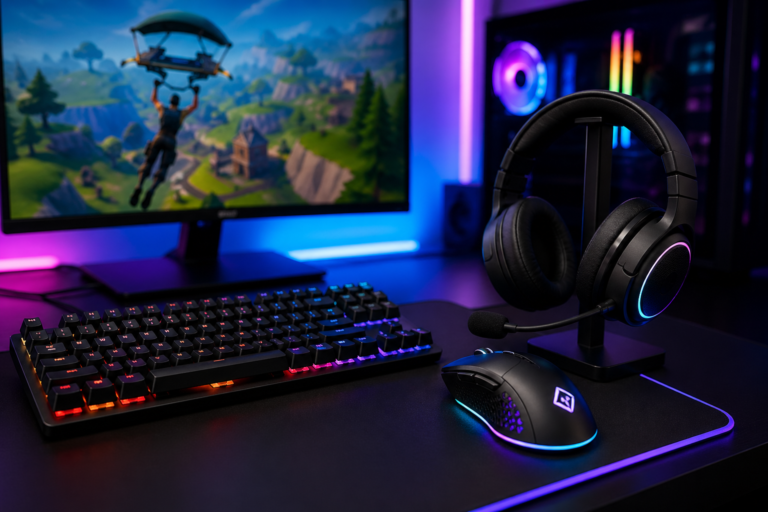
My Gaming Gear Checklist for First Setup
I keep it simple. No extra items. No distractions.
Mouse
Keyboard
Headset
Mouse pad
That’s it.
You don’t need a full RGB ecosystem on day one. I’ve tested setups under $100 that perform better than flashy ones that cost three times more.
Gaming Mouse – Where I Always Start
If I had to choose one device that impacts performance the most, it’s the mouse.
A bad mouse makes everything harder. Movement feels off. Aim becomes inconsistent.
What I Look For
A reliable sensor (tracking must feel stable)
Comfortable grip (palm, claw, or fingertip)
Lightweight design
I avoid heavy mice for beginners. They slow movement and cause fatigue over time.
Wired vs Wireless
In 2026, the difference is very small. Good wireless mice perform almost the same as wired ones.
Still, I often suggest wired for beginners. No charging. No battery concerns. Just plug and play.
Beginner Tip
I don’t chase high DPI numbers. Most players don’t use extreme settings anyway.
Control matters more than speed.
That’s why a solid gaming mouse and keyboard guide focuses on feel, not numbers.
Gaming Keyboard – Keep It Practical
Keyboards matter, but not as much as people think at the beginning.
I’ve used both mechanical and membrane keyboards, and each has its place.
Mechanical Keyboard vs Membrane Keyboard
Mechanical → better feedback, longer lifespan
Membrane → quieter, more affordable
If budget allows, I choose mechanical. But I don’t overspend here.
Switch Types Simplified
Linear → smooth and fast
Tactile → slight feedback when pressed
Clicky → loud and noticeable
For beginners, I usually prefer linear. It feels clean and easy to control.
Size Matters
Full size → more keys, needs more space
TKL → balanced option
60% → compact but takes time to adjust
For most setups, TKL works well.
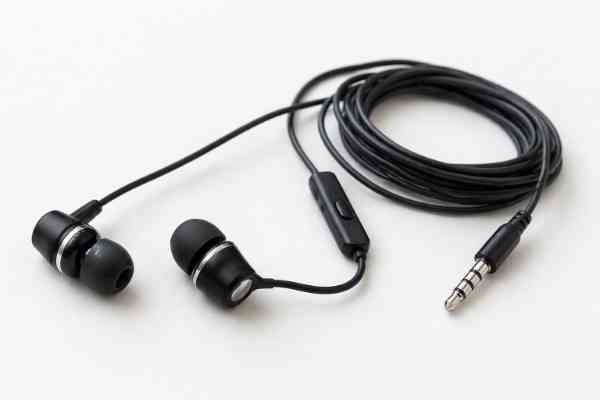
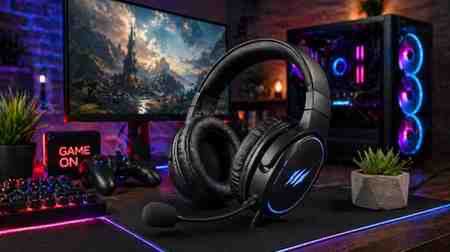
Gaming Headset – More Important Than You Think
Sound is information.
Footsteps. Direction. Distance.
A weak headset removes that advantage completely.
What I Focus On
Clear audio (not just heavy bass)
Comfort for long sessions
A usable microphone for multiplayer
Common Mistake
Many beginners pick “7.1 surround sound” thinking it’s always better.
In my experience, good stereo often feels more accurate and consistent.
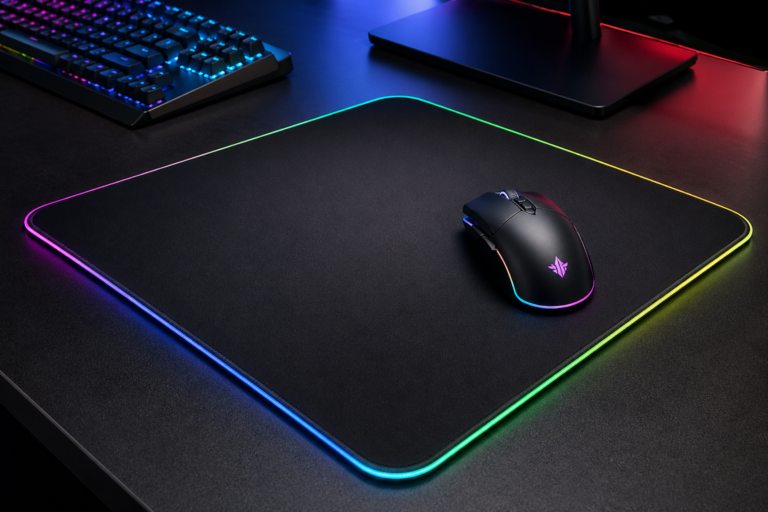
A good mouse pad can improve consistency more than upgrading your mouse.
What I Look For
Surface type (speed vs control)
Size (I prefer large or extended pads)
Small pads limit movement. That creates bad habits.
For FPS games, control surfaces help with stopping accuracy.
This is a key part of any first time gaming setup guide, yet many beginners ignore it.
How I Build a Budget Gaming Setup
I don’t divide my budget equally. I prioritize.
My Budget Strategy
Spend more on mouse
Moderate spending on headset
Save on keyboard at the start
Always include a proper mouse pad
Example Allocation
Mouse → 35%
Headset → 30%
Keyboard → 20%
Mouse pad → 15%
This method works well for a budget gaming setup for beginners without wasting money.
Wired vs Wireless – My Honest Take
This debate still exists.
Here’s how I decide:
If I want simplicity → wired
If I want a clean desk → wireless
Performance difference is minimal now.
But beginners benefit from fewer things to manage. That’s why I still lean toward wired setups at the start.
Common Mistakes I See Beginners Make
I’ve seen these too many times.
1. Buying Based on Looks
RGB sells. Performance matters more.
2. Copying Pro Players
Their setup fits their playstyle, not yours.
3. Ignoring Comfort
If your hand hurts, nothing else works.
4. Overspending Too Early
Start simple. Upgrade later.
5. Skipping Research
A quick gaming gear buying guide for beginners can save both money and frustration.
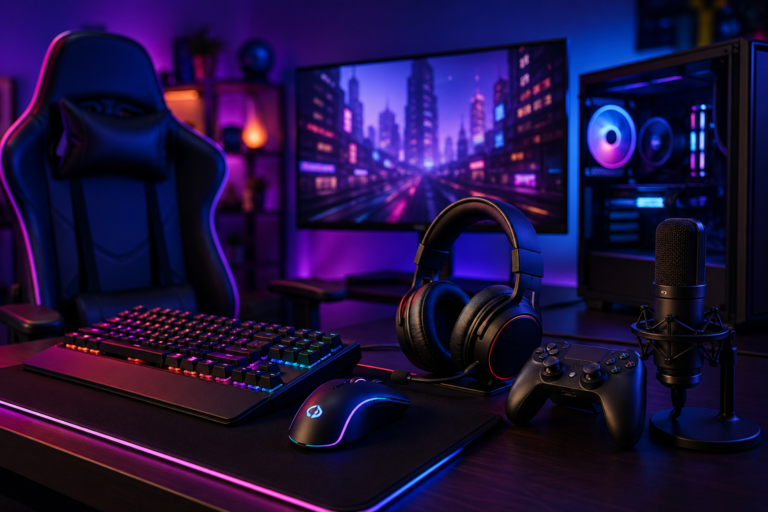
Ergonomic Gaming Setup Basics
Comfort is not optional.
I adjust:
Chair height
Desk level
Wrist position
If something feels wrong, my performance drops.
This is a core part of ergonomic gaming setup basics, yet many beginners overlook it.
How I Approach Upgrades Over Time
I never upgrade everything at once.
I test one change at a time.
First upgrade → mouse
Then headset
Then keyboard
This helps me understand what actually improves my setup.
My Final Thoughts
Choosing your first setup doesn’t have to be complicated. I used to think it was. I compared too many options, checked every spec, and still felt stuck.
Over time, I understood something simple.
Learning how to choose first gaming gear is not about finding the “perfect” setup. It’s about finding what actually works when you play.
That’s why I always focus on three things:
Control
Comfort
Consistency
If your setup gives you these, you are already ahead of most beginners.
Everything else RGB, brand hype, extra features can wait.
I also learned this through experience: your first setup will not be perfect. Mine wasn’t. And that’s completely fine.
A good first gaming gear buying guide should not push you to spend more. It should help you start smart.
What matters is choosing something that feels right, then improving step by step.
I don’t rush upgrades. I test my setup in real gameplay. I adjust slowly. I only change what actually improves performance.
That’s the mindset I follow, and it’s what I recommend in any beginner gaming gear selection guide.
If you keep things simple and avoid common mistakes, you won’t just build a setup you’ll build one that fits your style.
And once your gear starts to feel natural, gaming becomes easier, smoother, and a lot more enjoyable.