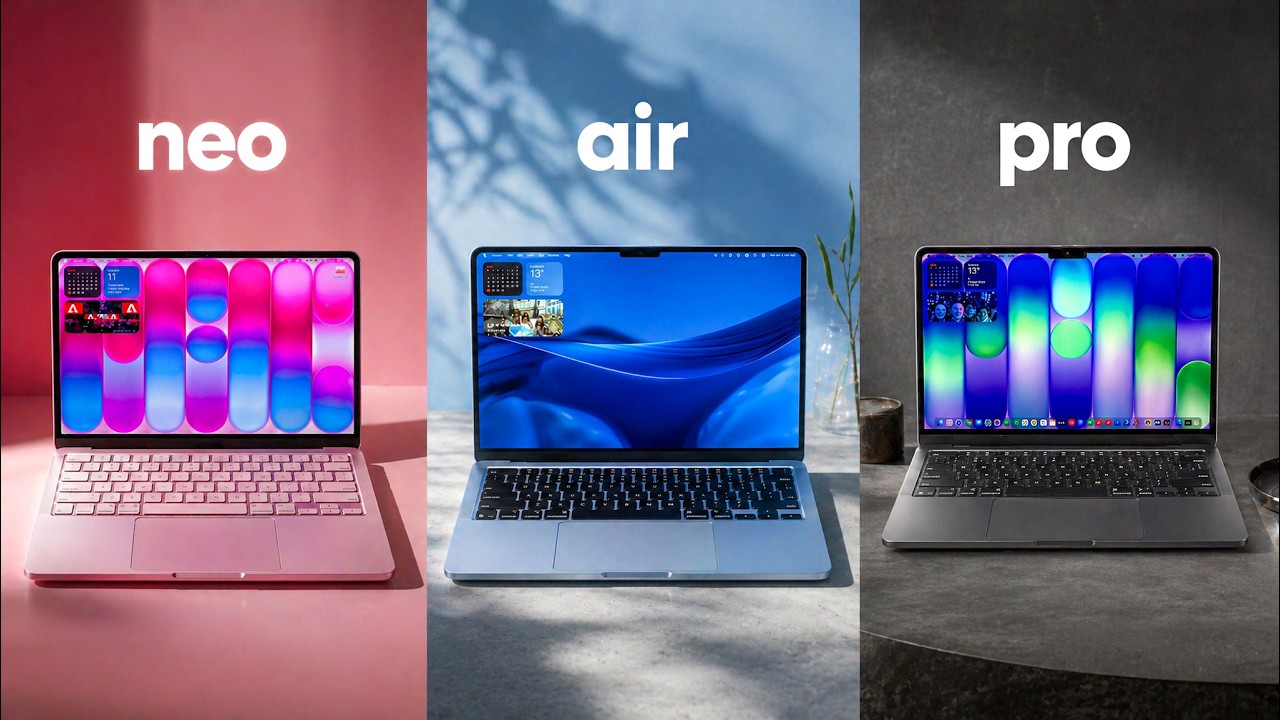
The Lineup
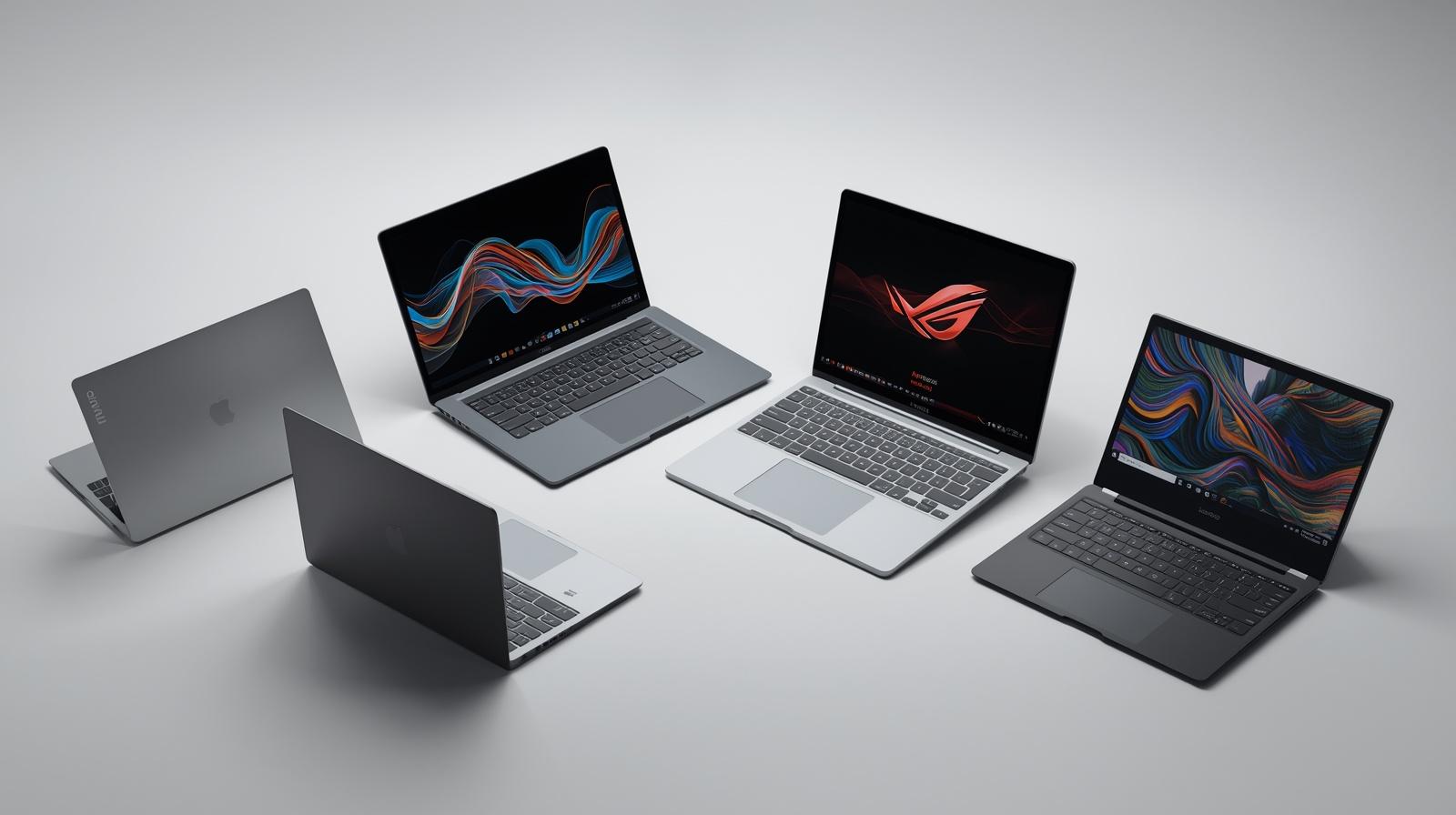
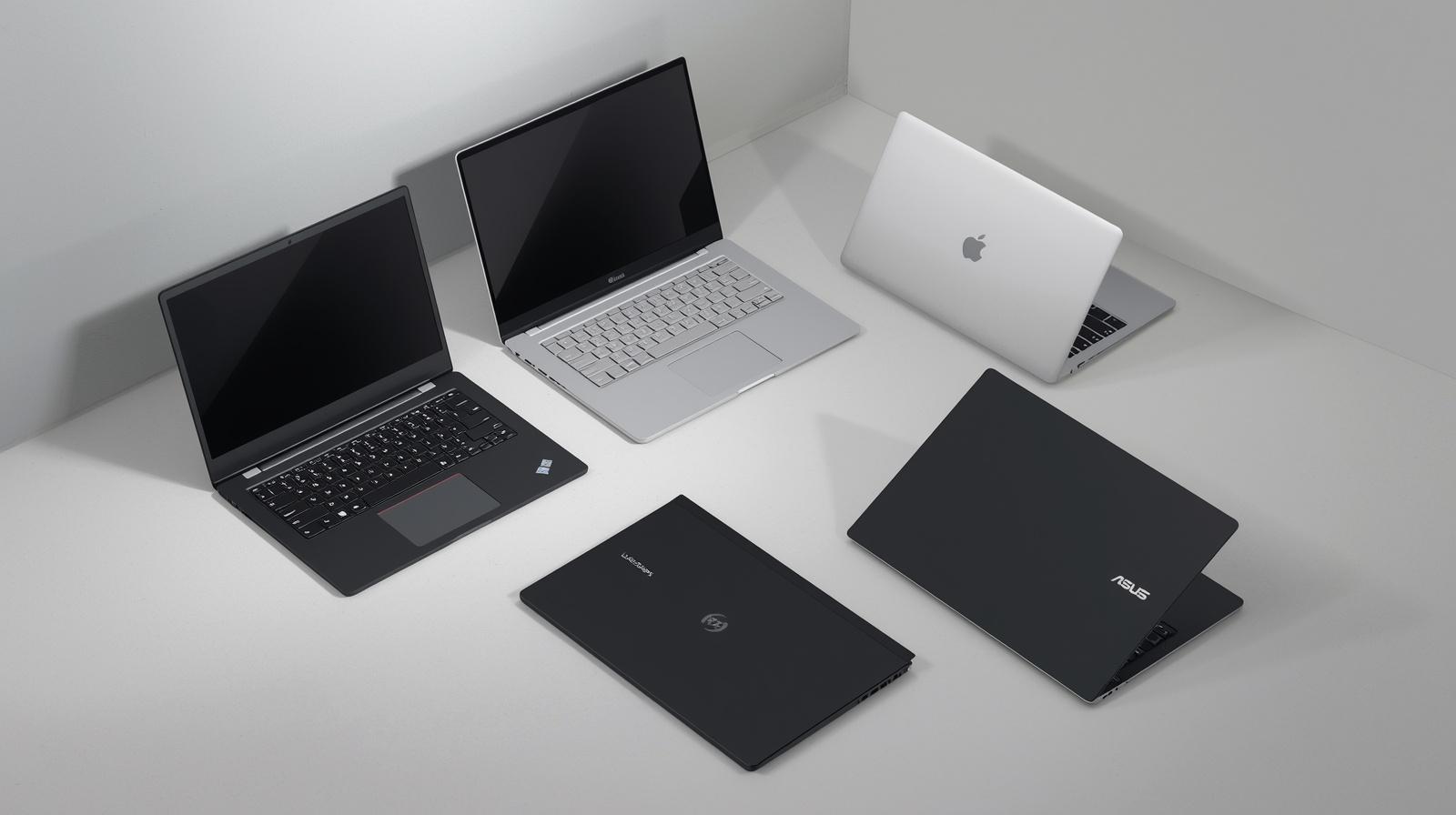
I don’t think there’s ever been a better time to buy a new MacBook, but which one should you go for? Which spec? How much should you pay? And also, what are the main differences between them? I mean, not only do we have the MacBook Neo, this is the cheapest MacBook they’ve ever made at $599 and well, $499 if you can get on a teacher and student discount, which actually does apply to all of these. This is a proper game changer. And I’m not just saying that in some annoying YouTuber clickbait way. Yes, it’s not perfect. It’s not for everyone. I’m not saying that. But I don’t think there’s a better all round laptop at this price point and I will fight you on that. But then we have the MacBook Air which is almost twice the price of the Neo. 599 $1099 here in the UK and the US. Obviously where you live the pricing may be a little bit different. So what makes it stand out? Well essentially you have the M5 chip. It is significantly more powerful. It is also a step up in design. It’s definitely smarter looking. It’s thinner, better connectivity with MagSafe with faster ports. We’ve got higher quality webcam, slightly nicer touchpad. And really importantly, alongside that much more powerful M5 chip, you get 16 gigs of memory and 512 storage as standard, which altogether makes this just a more future proof laptop. You’ll get more life out of this than you will the Neo. Oh, and of course, the Air does come in two sizes. You’ve got the 13 and the 15. Very nice. But what if you want the best screen, the best performance, the best range of ports and connectivity, and the best speakers? Well, that is where the MacBook Pro comes in. This is the base M5 14in. And it goes without saying the Pro is the best MacBook. But it does come at the cost of being chunkier, heavier, and also of course costing more. Although the good news is that Apple have also bumped up the base spec of the Pro like we saw with the Air. And now you get 1 TBTE of storage as standard regardless of which Pro you go for, which is pretty tasty. And if you want to go crazy specking out a MacBook Pro, you can max it out with a well M5 Max, 128 gigs of memory, 8 terb of storage, and that’ll cost you over seven grand. probably a little bit overkill if you’re just watching YouTube, but otherwise I would say just get the base spec. It’ll be more than good enough. And I think that particularly applies to the new M5 Air because obviously in the past and basically with every single one of my MacBook reviews, I’ve criticized Apple for the old ops cell of like, oh, you can get away with buying the laptop, but then you want to spend an extra 200 to get more memory, an extra 200 to get more storage, and then it all just gets a lot more expensive. These prices haven’t really gone up. I think the Air is 100 quid more than it was last year, but they’ve doubled the storage compared to what we’re seeing on the Windows side of things, the rival laptops. These MacBooks, I think, are the best value they’ve also ever been.
MacBook Neo
So, that’s like the highle stuff, but let’s dive a little bit deeper into each one, the pros and cons, and also which one I would actually get. And starting at the well, bottom end, the MacBook Neo. and for students, for families, whether it’s your kids’s first laptop, your parents last laptop, if it’s the new fancy reception laptop in the front of your office cuz you got the nice new colors. Honestly, for anyone who doesn’t need a particular level of performance or maybe connectivity, this is the one to get. And this is absolutely going to eat into the MacBook Air’s sales. I think this is the laptop of the year. And don’t get bogged down in the fact it’s running an iPhone chip. We’ve got the A18 Pro in here, which powered last year’s iPhones. and the fact that you’ve only got 8 gigabytes of memory. On paper, the specs are a bit rubbish, but I’m running well, I’m playing back Cap Cut here. I’ve got a YouTube video playing. I’ve got my Canva presentation. Unless you’re 3D rendering or training a local LLM or editing high bit rate 4K videos, this will do pretty much everything you want it to. And the truth is, yes, you can buy a Windows laptop with better specs, like more storage, more RAM, perhaps a slightly more powerful on paper chip at a similar price point. And certainly you can get similarly priced Windows laptops with better screens, but as an all round laptop when you take into account how nice the keyboard and touchpad is, how good the screen is being in the Apple ecosystem and everything that entails with it and just the little things like the keyboard, key caps, the touch pad, even the what do you call these? The grippy things on the bottom. They’re all colorcoordinated with the model you go with. This is blush. It also comes in silver, indigo, and citrus. I am a professional tech content creator. So, I hate the fact that I’m saying this, but this has a desiraability factor, a joy to it. And if you’re going into an Apple store with your kid looking for a new MacBook, $599 goes down a lot easier than $1099 with a MacBook Air. So, what’s the catch? Why is this so cheap? Well, the biggest compromise is the specs. The A18 Pro chip, the fact that you’re stuck at 8 GB of memory. This is absolutely fast enough for everyday use. But if you are worried about performance, you want it to last 10 years rather than 5 years maybe, then obviously the step up to the M5 MacBook Air may be worth it. So yes, the performance of this fine, but you are kind of limited. The screen is also actually a touch smaller. It’s 13 in because we got the chunkier bezels, although we don’t have the notch that the Air gets, which you may prefer. So ever so slightly smaller screen. It’s also a little bit less color accurate, and we don’t have true tone. That’s where the color temperature can go warmer or cooler based on the sort of ambient lighting around you. Although otherwise it is basically the same 500 nit 60 Hz refresh as the MacBook Air. Also the connectivity, we only have two main ports, two USBC’s and a headphone jack. Uh this is not an SD card reader. It’s the speaker. We got side firing speakers. This back one is a good speed USB 3. Great for outputting to monitors. And this can only output to one external display at up to 4K 60 uh plus the screen. So, two displays altogether, fine for most of us. But this front one is a very slow USB 2. Fine for accessories if you want to plug in a mouse or headphones. And you can charge via this front one as well. Importantly, uh this actually can only charge up to 20 watts. So, it does charge slower than the other laptops. But if you’re outputting to an external display, if you want to connect a fast SSD drive perhaps or some other fast peripheral, for more power users, this connectivity may be a little bit of a compromise. The keyboard is lovely to type on, but we don’t have a backlight with the Neos keyboard. So, if you’re using this late at night and you can’t touch type, then you may struggle a little bit to see some of the keys. Also, the touchpad is not a fancy force haptic touchpad like we have on the Air and the Pro. So, you can see it actually physically presses in a little bit into the chassis. Now, normally on Windows laptops with diving board mechanisms for the touchpads, this feels horrible and cheap as it’s easy to press at the bottom and the top, but Apple haven’t used a diving board here. They’ve actually created their own touchpad. It’s exactly the same pressure required wherever you press. Honestly, it still feels really nice to use. That is not an issue at all. But also, this is just a lock key. We miss out on Touch ID unless you pay the extra 100, which doubles the storage, faster storage as well, and gives you Touch ID. So every time you unlock the laptop, every time you want to download an app, autofill something in Safari or Chrome, normally where I would just place my finger, do Touch ID, I’ve got to enter my password. So is Touch ID and double the storage worth paying an extra hundred up to you. If you if you can afford it, yes, probably. It is quite nice to have. It is a very nice laptop. All aluminium chassis, extremely wellb built. There’s no screen wobble, no flex. Really, really nice. The speakers are also very good on this. Different sounding to the air and that’s because these are sidefiring rather than underfiring. So you end up with a little bit less bass but actually a slightly wider sound stage versus the Air. But let’s do a test between every MacBook.
Speaker
Can you hear much of a difference? Dire’s look good. 85 front, 75 rear. You are good to push. Call me. Tire temps look good. 85 front, 75 rear. You are good to push. Copy. Tire temps look good. 85 front, 75 rear. You are good to push. Copy. Tire temps look good. 85 front, 75 rear. You are good to push. Copy. Tire temps look good. 85 front, 75 rear, you are good to push. Call me. I also hate doing this, but if you’re enjoying the video, you want to see more of me waffling on about tech, then make sure you hit hit that subscribe button below.
MacBook Air
So, there are definitely some compromises with the MacBook Neo. This is not for everyone, but I sound like a broken record. For $599, $4.99 for students, this is incredible value and I think my favorite laptop right now. But then where does that leave the MacBook Air? The world’s bestselling laptop according to Apple. Is it going to be forgotten about with the Neo being almost half the price? Is it worth paying extra 500 quid for this? Well, maybe. I mean, the main advantage of the Air is performance. You have the much more powerful M5 chip and combined with the 16 gigs of memory. 512 storage is standard. Yes, it is quite a bit more expensive, but you are getting a much better spec. And while the Neo is extremely capable, if you are doing any kind of 4K video editing, rendering, gaming, developing, or you’re just not sure if you’ll need the performance, then this is a safer bet and it will certainly last you a lot longer. And of course, you can spec this higher, more memory, more storage, although I wouldn’t really bother. If you do need more memory because you think you want better performance, then the Pro is probably a better option for you because you are still limited with the Air being fanless. does mean obviously it runs silently but you are going to see throttling if you’re exporting a long video or playing a demanding game for a long period of time or rendering something. The chip will have to cool down and throttle the performance. That’s also where the Pro comes into its own. Aside from a decent bump in graphics performance overall, it is quite an iterative upgrade and that’s the problem Apple have been facing. They’ve been so good these laptops for such a long time. Even well the M1 but particularly the M2 Air is still incredibly capable, has essentially the same design. If you can find an M2 Air with, you know, on a good deal, that one may still be the best bet. Now, the M5 Air is thinner than the Neo, although actually it weighs pretty much exactly the same. But the thinner chassis, the thinner bezels with the notch with a wider color gamut and True Tone Touch ID, of course, we also have a higher quality 12 megapixel center stage webcam which can follow you around if you want. How do the webcams actually compare?
Webcam
Is there a big difference? Well, this is being recorded on the MacBook Neo. Then this is the M5 MacBook Air. Does it look much better? Sound any better? It should be. It is a higher quality webcam. But then how about the MacBook Pro? This is the 12 megapixel center stage webcam on the MacBook Pro M5. One thing a lot of people consider though is instead of a Neo for similar money, maybe an M1 Air. Well, maybe. Although I think the M2 Air was a big step up in terms of performance, design, webcam as well. And in fact, let me just show you how the M1 Air looks compared to the Neo. The answer is pretty rough. This This is not a good webcam. But yeah, the webcam on the M1 Air kind of sucks. This job feels very strange sometimes. I’ve got five different meis looking back at myself.
MacBook Air (pt.2)
No one wants that. And importantly, we have Mag Safe, so you can obviously charge faster via that. and it frees up both USBC ports, both of which are also much faster, Thunderbolt 4, so you can output to up to two external monitors, I believe 4K at 144 hertz if you’re maxing it out for a total of three displays. And we get Wi-Fi 7 and Bluetooth 6 with this. So, it is a big step up in terms of connectivity as well. It is a gorgeous laptop. It really is. There’s not much to criticize here. It’s more about is another laptop better value. The one thing that bothers me a little bit is that the screen maybe starting to feel a little bit dated. 60 Hz IPS 2026 for a,00 laptop. You’d probably get a 120 Hz OLED on a Windows rival. Although speaking of screens, while I think most of us would go for the 13-in, you do of course have the 15. This is the MacBook Air M515. I’ve also got it in a different color here. You’re getting a 24% larger screen in terms of surface area, which is noticeable. If you are acing videos, you want two apps side by side. You’ve got a big old spreadsheet to work on. And also the speakers are noticeably better on the 15, but otherwise they are identical. It’s just really about what size of screen you want. So Apple have priced this exactly halfway between the Neo and the Pro, which makes sense. And it’s an incredibly well-rounded future proof laptop.
MacBook Pro
So why would you spend £500 more at least just for the base model of a MacBook Pro considering it has the same M5 chip as the Air in this base spec? This is the M514. Well, it’s the screen, it’s the connectivity, it’s the ports, it’s the better webcam, it’s the better speakers, it’s the fact that you have a fan on board. But most importantly, it’s because you can pay more and get an M5 Pro and an M5 Max. And my top tip really here is that I probably wouldn’t buy this base model MacBook Pro with the M5 because part of the reason you’re paying more and compromising on the thicker, heavier chassis is because you want better performance. You need it for your workflow. And if the M5 Air isn’t doing it for you, then you’re probably best off paying more and getting this with the M5 Pro chip. That’s right, the MacBook Pro M5 Pro. Apple love their naming schemes. I’m jumping the gun a little bit. Let’s back up a second. We’ve got the MacBook Pro 14. Then you’ve got the MacBook Pro 16, although you have to spend a,000 more to get a 16. And that’s because it comes with the M5 Pro as standard. Importantly though, while this has a cheaper entry point, they can both be speced up to basically the same level at like over seven grams. But essentially with the 16, you’re forced into a higher base spec. So it just comes down to if you want the bigger screen and also slightly better thermals at the cost of weighing an extra 600 g and the higher starting price. I think most of us are better off with a 14in. It’s a lot more portable and comfortable to carry around. And then when you are back at the desk, you can just connect it to your external display. It doesn’t have to be a fancy 3 grand studio display XDR, although it is very nice. Anyway, my recommendation for the MacBook Pro is the 14in with the M5 Pro chip and the nanoexture screen. I think that’s the sweet spot. So, the main reasons to get a Pro is the better performance, but also the brighter screen up to 1600s in HDR. It’s miniLEDD, so you get the much better contrast, and it’s 120 Hz prootion, so everything just feels faster. So, if you’re doing color sensitive work or you care about getting those deeper blacks in movies, or you just want to be able to whack the brightness right up when you’re using it outside to make the screen easier to see, and I recommend downloading something like this vivid app to unlock the full screen HDR brightness on the desktop, the screen by itself kind of makes the Pro worth getting. But wait, there’s more. If I open my door behind the camera, get some light in here. Ah, that’s way too bright. Uh, hello. This is the standard glass on the MacBook Pro and you can see it is very reflective. If you pay an extra 150, you can get the nanoexture display. And look at that. It just reduces the glare, the reflections. It kind of spreads it out. This nanoexture option is exclusive to the Pros and once you try it, you’re not going to want to go back. Standard glass versus nanoexture. Another reason to get a Pro is the port selection. You’ve got the two USBCs, but they’re now Thunderbolt 4 on the base model along with the MagSafe. And on this side, now we have an HDMI 2.1 and a full-size fast SD card reader. And if you go for the higher spec M5 Pro chip, then these Thunderbolt 4s become Thunderbolt 5, which have a higher bandwidth and allows you to support more high resolution displays. The only weird thing is that the base MacBook Pro, the M5, the cheapest one, has Wi-Fi 6E and Bluetooth 5.3, which is a generation behind what you get on the Air that has Wi-Fi 7 and Bluetooth 6. And you actually have to pay more to get the M5 Pro version of the Pro laptop to also get Wi-Fi 7 and Bluetooth 6. Not quite sure what happened there.
M5 vs Pro vs Max
I don’t want to get bogged down in benchmarks because we could spend a whole video talking about just the differences between the M5, the Pro, and the Max. The main difference is the M5 Pro gives you more CPU cores, more GPU cores, higher memory bandwidth. You can spec it up to 64 GB of memory. It’s a serious step up in terms of performance. And then you’ve got the M5 Max, which realistically no one should buy unless you know that your work can take advantage of that performance with up to double the GPU cores, up to 128 gigs of memory, higher memory bandwidth. So part of what makes the Pro so special is how configurable it is to what you need and your budget. the fact you can go from 1,700 to over 7 grand 14in 16in staged glass now nano texture but speaking of options if you are weighing up the Neo
iPad?
the Air the Pro then there is another option iPad perhaps this is actually the topsp spec 13-in iPad Pro with the M5 chip with two terabytes of storage with the pencil pro with the Magic Keyboard effectively turning it into a you know laptop replacement as far as iPad OS will allow but this top spec we’re three grandish. iPads can get very expensive as well. I do have a whole separate iPad buying guide which I will link somewhere, but I think if you do want a kind of MacBook Air replacement, I would look at the iPad Air 11 or 13. Pair it with a Magic Keyboard, maybe a pencil down the road. It’ll cost similar and actually weigh a similar amount, but it does give you access to a touchcreen, the pencil if you want to, you know, draw and doodle, but I think most of us are best served with a laptop.
Tips
whichever MacBook you go for. Can I give you a couple of quick tips? Do you see here how Lightroom is well obviously the 16inch has a lot more screen real estate, but because you haven’t got the pesky taskbar at the bottom taking up room. So, particularly on the smaller laptops, if you go to system settings, desktop and dock, and then enable automatically hide and show the taskbar, all you have to do is bring the cursor to the bottom to bring it up. But it means you can now full screen apps and get this extra chunk of screen back at the bottom. Also, by default, double tapping the touch bar doesn’t do anything. I want a right click settings, scroll down to trackpad, and then turn on tap to click. Now, with a double tap of the trackpad, it does a essentially Windows style right click for copying, pasting new folders. That is very useful. Oh, and tip number three. If you’re doing a video call, a Zoom, a FaceTime, a Teams, whatever you are doing, open up the little video icon at the top. This will obviously depend on what app you’re using, but you’ll have this edge light option. Turn that on and you get the screen brighten up around, giving you a bit of a key light, and you can change the warmth and the size of it, whatever you fancy. But that’s a neat little feature with the more recent Mac OS updates.
MacBook Ultra?
With all that said, is now a good time to buy one? Well, I think so. We’re not going to see a refreshed Air or Neo, at least until 2027. The also the Pros were just refreshed in January with an M5 chip and M5 Pro and Max. So, everything has been pretty recently refreshed. I think at WWDC in June, we may see updated Mac minis, iMacs, maybe Mac Studios with the M5 chip, but obviously those are desktop PCs. In terms of MacBooks, I think the first thing we’ll see potentially is an M6 Pro. And if the rumors are true, it could be called the MacBook Ultra. I would put money on 2027 as well. But we are expecting OLED, maybe touchscreen, M6 Pro Max chips. Is that worth waiting for? Well, there’s always something around the corner with tech. If you need a new laptop, now is still, I think, a great time to buy a new MacBook. So, that is my little MacBook buying guide. I’m going to put these down. What do you think? Would you go for a Neo, an Air, or a Pro, or none of the above? If you’ve got any other questions, drop a comment as well. Thank you so much for watching, guys, and I’ll see you next time right here on the Tech Jam.